AI image generation is moving beyond creating a single picture from a text prompt. Creators increasingly need tools that can generate polished visuals, refine existing images, maintain consistent subjects, and adapt designs for different formats.
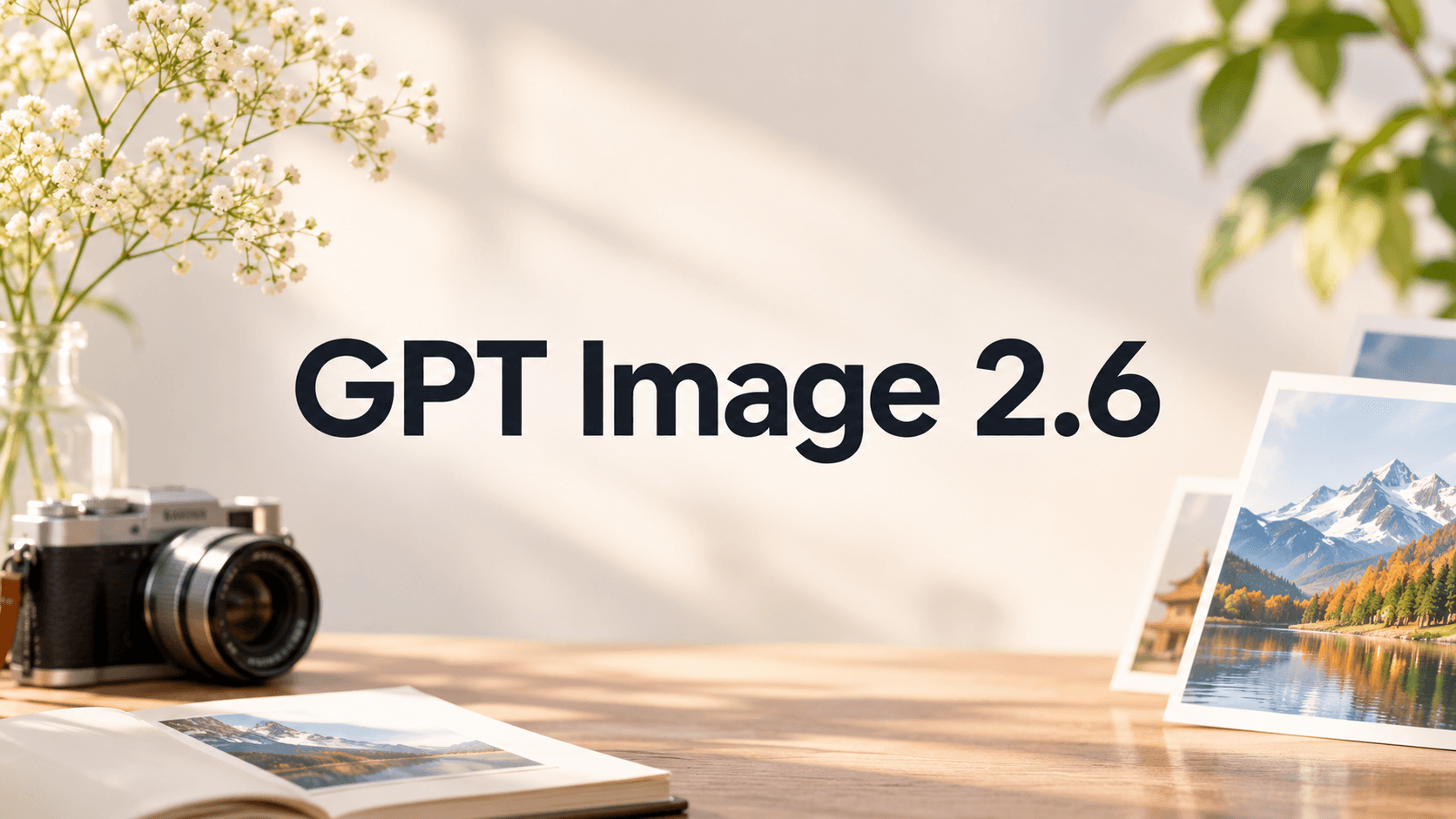
OpenAI's GPT Image 2.6 takes another step in this direction. Released on November 4, 2026, the new image generation model introduces faster generation, more precise editing workflows, animated GIF creation, and SVG output. It also offers two API model variants, GPT Image 2.6 Flare and GPT Image 2.6 Sunburst, giving developers more flexibility when choosing between speed and visual fidelity.
Whether you create marketing graphics, product photography, social media content, or visual concepts, understanding these changes can help you decide how to incorporate GPT Image 2.6 into your creative workflow.
What Is GPT Image 2.6?
GPT Image 2.6 is OpenAI's latest image generation and editing model family. It supports both text-based image creation and image-based editing, allowing users to move from an initial concept to a refined visual through iterative instructions.
Compared with the previous generation, GPT Image 2.6 focuses on three important areas:
Faster generation: Shorter waiting times make it easier to explore multiple visual directions and refine creative ideas.
More consistent editing: The model is designed to preserve important visual details, including character appearance, product features, and brand elements, across editing rounds.
Expanded creative formats: GIF animation and SVG output extend image creation beyond conventional static pictures.
These improvements make GPT Image 2.6 relevant not only to individual creators but also to designers, marketers, and teams producing visual content at scale.
What's New in GPT Image 2.6?
1. Faster Image Generation and Creative Iteration
Speed matters when developing visual concepts. A typical design task may involve testing different compositions, lighting conditions, color palettes, and backgrounds before reaching a final result.
OpenAI reports that Images 2.6 generates images 50% faster than its previous generation. GPT Image 2.6 Flare can generate images in as little as six seconds when using the low-quality setting.
This makes rapid experimentation more practical. Instead of spending too much time waiting for individual generations, creators can explore alternative directions and adjust their prompts more frequently.
Practical applications include:
Testing different advertising concepts.
Exploring product photography styles.
Generating social media graphics.
Comparing lighting and composition options.
Creating early-stage visual references for design projects.
The main benefit is a more responsive creative process, especially when a project requires multiple rounds of visual exploration.
2. Better Image Editing and Subject Consistency
Generating an image is only one part of the creative process. In many projects, the more difficult task is changing one element without disrupting everything else.
For example, a product marketing team may want to replace a background, adjust lighting, or change the environment while keeping the product packaging intact. A character designer may need to modify a scene without changing the character's clothing or appearance.
GPT Image 2.6 is designed to improve consistency across these editing rounds.
Its editing capabilities are particularly useful for:
Preserving product appearance during background replacement.
Maintaining character details across different scenes.
Refining lighting, colors, and composition.
Making targeted adjustments without unnecessarily changing the entire image.
Keeping important brand elements consistent throughout a campaign.
This is especially valuable for workflows that depend on repeated revisions rather than one-time image generation.
3. Animated GIF Creation from Prompts and Images
One of the most noticeable additions in GPT Image 2.6 is animated GIF generation.
Instead of producing only a static image, creators can now use prompts or existing visual references to develop short looping animations.
For example, you can describe a character waving, a mascot reacting to a situation, or a product visual with a repeating motion effect.
This opens up several creative possibilities:
Social media content: Create reaction GIFs, memes, and short looping visuals.
Brand marketing: Animate mascots and recognizable campaign characters.
Character design: Explore facial expressions, gestures, and simple movements.
Storyboarding: Visualize character actions before developing a complete video.
Product promotion: Add subtle motion to product-focused visuals.
GIF creation is particularly useful when a short visual loop can communicate an idea more effectively than a static image.
It also creates a connection between AI image creation and video production. Creators can use animated concepts as early references when planning more complex video projects.
4. SVG Output for Scalable Graphics
Another important addition is SVG output through the API.
Unlike conventional raster formats such as PNG and JPEG, SVG is a vector format that represents graphics using scalable paths and shapes.
This makes it useful for visual assets that may need to be resized or adapted across different digital environments.
Potential applications include:
Icons and simple illustrations.
Decorative graphic elements.
Web and interface visuals.
Scalable brand-related graphics.
Design elements for digital publications.
SVG output adds another option for creators who need more flexible graphic assets within their production workflows.
For production use, generated SVG files should still be reviewed for path quality, editability, and compatibility with the intended design software.
5. More Control with Image Markup and Complexity Settings
GPT Image 2.6 also introduces additional controls for image generation and editing.
Markup-guided editing
Users can identify specific areas of an image and describe the changes they want to make. This makes instructions more targeted than relying entirely on a general text description.
For example:
Change the background while preserving the main product.
Adjust the lighting around the selected subject.
Remove an unwanted object from a particular area.
Modify a specific visual detail without redesigning the entire composition.
Adjustable complexity
The new complexity parameter controls how much planning the model applies to a request.
A lower complexity setting is suitable for straightforward edits and faster workflows. Medium or high complexity can be more appropriate when a scene contains multiple elements, detailed instructions, or several visual constraints.
Importantly, complexity and image quality serve different purposes:
Complexity determines how much planning is applied to the task.
Image quality controls the level of visual detail and fidelity.
Understanding this distinction helps creators balance processing effort with the requirements of each project.
GPT Image 2.6 Flare vs. Sunburst: What's the Difference?
GPT Image 2.6 is available through two API model variants: Flare and Sunburst.
Both support image generation and editing, but they are designed for different creative priorities.
Feature | GPT Image 2.6 Flare | GPT Image 2.6 Sunburst |
|---|---|---|
Main focus | Generation speed | Visual fidelity |
Best suited for | Rapid experimentation | Detailed creative work |
Image generation | Fast iteration | Higher-detail output |
Editing | General image editing | Greater consistency across edits |
Professional visuals | Posters and product imagery | Detailed compositions and refined visuals |
Recommended workflow | Quick concepts and variations | Precision-focused creation |
When Should You Choose Flare?
GPT Image 2.6 Flare is a suitable option when speed and experimentation are important.
Consider using it for:
Exploring multiple advertising concepts.
Testing different visual styles.
Generating social media graphics.
Developing early product photography concepts.
Making straightforward image edits.
If you regularly work through many visual variations, Flare can help keep the creative process moving.
Explore GPT Image 2.6 Flare on Seedance AI.
When Should You Choose Sunburst?
GPT Image 2.6 Sunburst is better suited to projects where visual detail and editing consistency are more important.
Consider using it for:
Detailed product imagery.
Editorial and promotional posters.
Character-focused illustrations.
Complex compositions.
Images requiring multiple rounds of refinement.
For projects where small visual details matter, Sunburst offers a more precision-oriented workflow.
Explore GPT Image 2.6 Sunburst on Seedance AI.
GPT Image 2.6 vs. GPT Image 2.5: What's Changed?
GPT Image 2.6 builds on the previous generation by expanding the creative workflow beyond static image generation and conventional editing.
Capability | GPT Image 2.5 | GPT Image 2.6 |
|---|---|---|
Image generation | Supported | Faster generation |
Image editing | Supported | Improved editing consistency |
Subject preservation | Supported | Further improvements |
Animated GIF generation | Not a core feature | Supported |
SVG output | Not a core feature | Supported through API |
Image markup editing | Supported workflows | Expanded API support |
Complexity control | No equivalent new control | Adjustable complexity |
The biggest difference is not simply the ability to generate better-looking images. GPT Image 2.6 introduces more ways to create, revise, and reuse visual assets.
For creators who primarily generate standalone images, the improvements in speed and editing may be the most relevant. For marketing teams and designers, GIF and SVG support also expand the types of assets they can produce.
How to Create Better Images with GPT Image 2.6
A capable image model still depends on clear creative instructions. A well-structured prompt helps communicate the subject, composition, lighting, visual style, and intended output.
Here are three practical prompt examples for different creative tasks.
Example 1: Premium Product Photography
Use case: E-commerce visuals and product advertising.
Prompt:
Create a premium commercial product photograph featuring the uploaded skincare bottle. Preserve the original product packaging, label, logo, proportions, and colors exactly. Place the bottle on a polished natural stone surface with subtle water reflections and delicate atmospheric mist. Use soft directional studio lighting, realistic glass reflections, detailed material textures, and an elegant neutral background. Compose the image as a luxury skincare advertising campaign, with the product as the clear focal point. Avoid additional text, decorative logos, or unrelated objects.
Why this prompt works:
It clearly identifies the main subject, establishes product preservation requirements, and provides specific instructions for lighting, materials, and composition.
Example 2: Editorial Poster Design
Use case: Event promotion, creative campaigns, and digital publications.
Prompt:
Design a sophisticated editorial poster for a contemporary art exhibition. Feature a dramatic abstract glass sculpture floating against a warm ivory background. Use elegant serif typography for the main headline "FORM IN MOTION", with a smaller subtitle beneath it. Incorporate subtle paper grain, delicate shadows, and refined editorial spacing. Use a restrained palette of ivory, muted gold, and deep charcoal. Maintain a balanced composition with clear visual hierarchy and precise typography.
Why this prompt works:
It combines visual direction with typography, color, and layout requirements, helping the model understand the intended poster design rather than generating an unrelated illustration.
Example 3: Animated Character GIF
Use case: Social media reactions, brand mascots, and character animation.
Prompt:
Create a seamless looping animated GIF featuring a friendly illustrated fox mascot sitting at a wooden desk. The fox looks toward the viewer, slowly raises one paw, waves twice, and returns to its original position. Maintain the same character design, facial features, proportions, clothing, desk, and background throughout the animation. Use smooth, natural motion, consistent lighting, and a warm pastel illustration style. Make the final frame transition naturally into the first frame to create a seamless loop.
Why this prompt works:
It specifies the character, action sequence, visual consistency, and looping behavior. These instructions provide a clearer foundation for creating a coherent animation.
Who Can Benefit from GPT Image 2.6?
GPT Image 2.6 is useful across several creative industries, particularly where image generation and repeated editing are part of the production process.
Designers and illustrators
Use it to explore visual styles, develop concepts, create editorial artwork, and refine existing illustrations.
Digital marketers
Generate advertising concepts, promotional posters, social media graphics, and animated campaign assets.
E-commerce businesses
Create product-focused visuals, experiment with different backgrounds, and develop alternative marketing compositions while maintaining product identity.
Content creators
Produce visual storytelling assets, reaction GIFs, character concepts, and graphics for digital platforms.
Creative teams
Use image generation and editing as part of a broader production workflow, from early concepts to more refined visual deliverables.
Create with GPT Image 2.6 on Seedance AI
Choosing the right model is only one part of an effective creative workflow. Having an accessible workspace for testing prompts, comparing outputs, and refining images also matters.
Seedance AI brings GPT Image 2.6 into an AI creative workspace where you can explore different image-generation and editing tasks.
You can choose between two model variants based on your project:
GPT Image 2.6 Flare for faster experimentation and creative iteration.
GPT Image 2.6 Sunburst for detailed visuals and precision-focused editing.
Start with a text prompt, experiment with reference images, and refine your visual ideas through iterative edits.
Ready to explore new creative possibilities?
Try GPT Image 2.6 on Seedance AI
Frequently Asked Questions
1. What is GPT Image 2.6?
GPT Image 2.6 is OpenAI's image generation and editing model family. It introduces faster image generation, improved editing consistency, animated GIF creation, SVG output, and additional controls for creative workflows.
2. What is the difference between GPT Image 2.6 Flare and Sunburst?
Flare is designed for faster image generation and creative experimentation. Sunburst focuses more on visual detail, image quality, and consistency across editing rounds.
3. Can GPT Image 2.6 generate GIFs?
Yes. GPT Image 2.6 supports animated GIF creation from prompts and visual references. This makes it useful for creating looping character animations, social media reactions, and short promotional visuals.
4. Does GPT Image 2.6 support SVG output?
Yes. SVG output is supported through the API, allowing developers to generate vector-based graphic assets for compatible design and digital workflows.
5. Is GPT Image 2.6 faster than GPT Image 2.5?
OpenAI reports that Images 2.6 generates images 50% faster than the previous generation. Flare can generate images in as little as six seconds under the low-quality setting, although actual generation times depend on the task and settings.
6. How do I choose the right GPT Image 2.6 model?
Choose Flare when you prioritize speed and want to explore multiple creative directions. Choose Sunburst when your project requires more detailed visuals and greater consistency across edits.
Final Thoughts
GPT Image 2.6 represents a broader approach to AI-assisted visual creation. Faster generation makes experimentation easier, improved editing consistency supports more controlled revisions, and GIF and SVG capabilities extend the range of assets creators can produce.
The choice between Flare and Sunburst also makes it easier to align model selection with different creative priorities.
Whether you are developing product visuals, designing campaign graphics, or exploring animated content, GPT Image 2.6 offers more flexibility across the creative process.
Explore both variants on Seedance AI and find the workflow that works best for your next project.