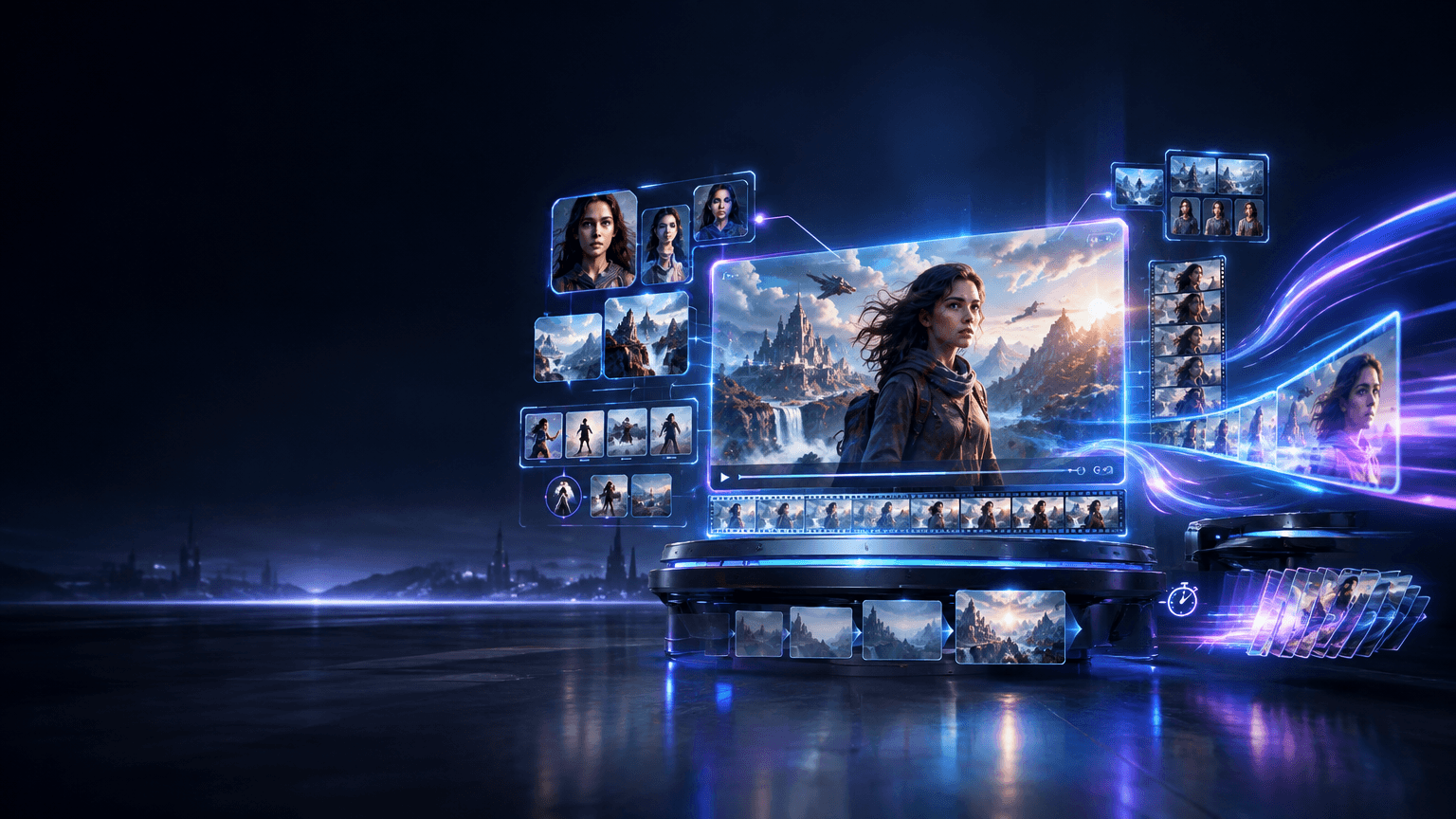
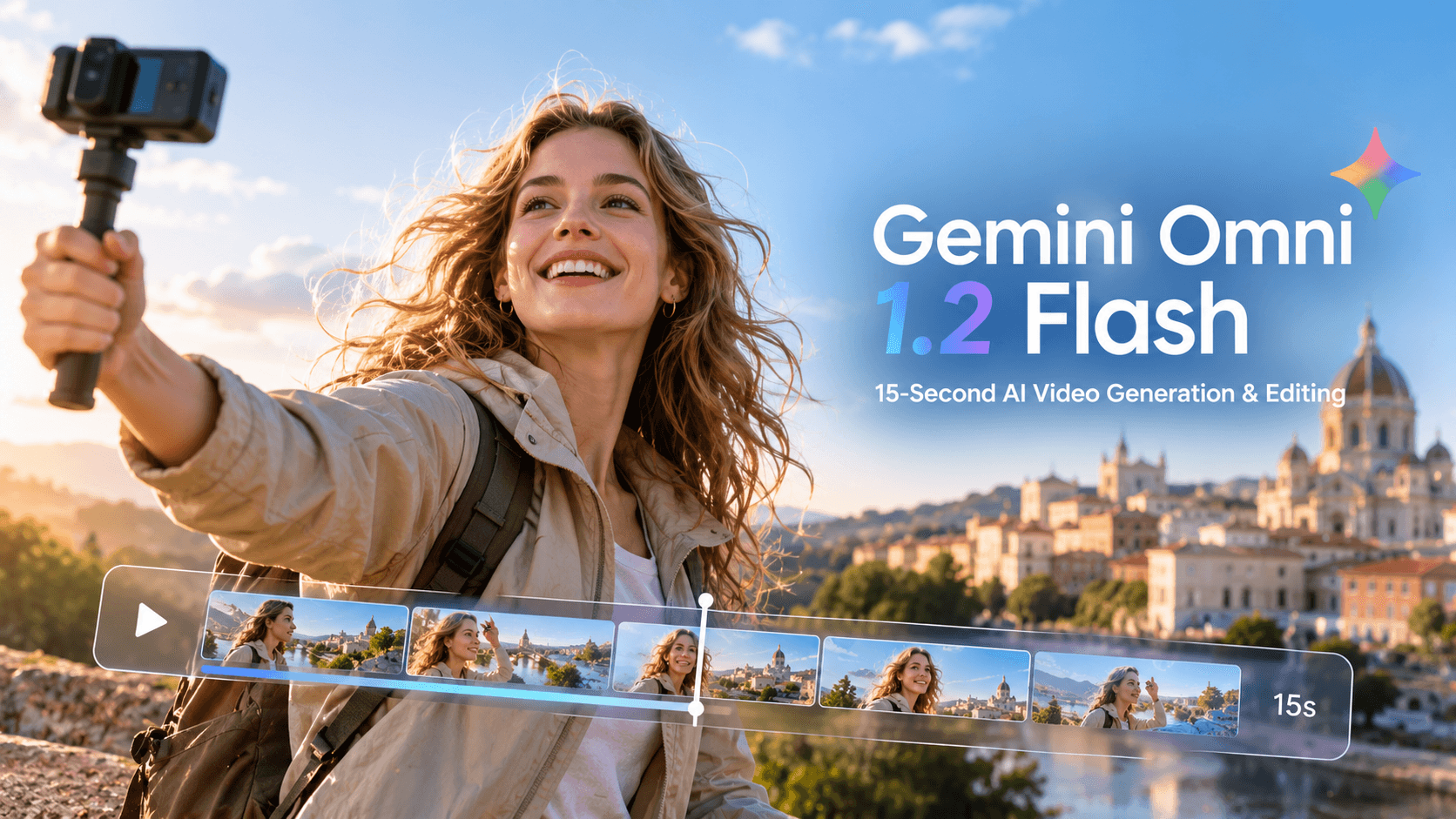
On November 5, 2026, Google released Gemini Omni 1.2 Flash, bringing further improvements to AI video generation and editing. The new version extends native video generation to up to 15 seconds while enhancing conversational editing, reference consistency, voice generation, and lip-sync performance.
Compared with its predecessor, Gemini Omni 1.2 Flash can generate longer videos and better interpret instructions involving visuals, characters, products, and camera movements. These improvements make the overall video creation and refinement process more flexible and consistent.
This guide explores the key features of Gemini Omni 1.2 Flash, its improvements over the previous version, practical applications, and tips for achieving better results with prompts and reference materials.
What Is Gemini Omni 1.2 Flash?
Gemini Omni 1.2 Flash is Google's multimodal video generation and editing model. It supports creating and modifying video content using different types of inputs, including text, images, audio, and video.
The model brings video generation, video editing, video extension, and first-and-last-frame control into a more integrated workflow. Users can start with a text prompt or reference materials, then refine existing clips through follow-up instructions to adjust character movements, scene details, camera motions, or audio.
Unlike traditional workflows that require users to regenerate an entire video after every revision, Gemini Omni 1.2 Flash emphasizes continuous creation. Users can build on existing results and make targeted adjustments through natural-language instructions without starting from scratch each time.
Key Features of Gemini Omni 1.2 Flash
1. Native Video Generation Up to 15 Seconds
Gemini Omni 1.2 Flash extends the maximum native video generation duration from 10 seconds in the previous version to 15 seconds. Users can select video durations between 3 and 15 seconds in one-second increments.
The longer generation window provides more room for scene development and continuous action. For example, product videos can include multiple consecutive movements, character clips can portray more complete actions, and travel videos can accommodate additional scene changes.
This improvement is particularly useful for projects that require continuous movement, more complete storytelling, or longer cinematic shots.
2. Multi-Turn Conversational Video Editing
Gemini Omni 1.2 Flash supports video editing through continuous conversations. Users can generate an initial clip and then refine it through follow-up instructions based on the results.
For example, users can:
Modify character movements or facial expressions.
Adjust objects and background details within a scene.
Change camera angles or camera movements.
Refine the overall visual style.
Improve dialogue, audio, and lip-sync performance.
This approach reduces the need to repeatedly rewrite complete prompts and makes video editing feel more like a collaborative process. Users can continuously refine the same clip rather than regenerate the entire scene for every adjustment.
3. Improved Character and Product Reference Consistency
In AI video creation, character appearances, product details, and scene characteristics can change across different frames. Gemini Omni 1.2 Flash further improves how closely generated content follows reference materials, helping preserve important visual and audio characteristics.
Users can provide reference images, short videos, or audio materials to give the model clearer creative guidance. This is particularly useful for projects that require consistent character appearances, recognizable product details, or a unified visual style.
For example, product images can guide the model when generating commercial videos, helping preserve the product's visual characteristics. Similarly, character reference materials can reduce appearance inconsistencies across different shots in a character-based story.
4. Improved Continuity for Video Extension and First-and-Last-Frame Control
Video extension and first-and-last-frame control are not entirely new features in Gemini Omni 1.2 Flash. The previous version already supported these workflows, while version 1.2 focuses on improving character, object, and scene consistency during video extension and transitions.
Video Extension
Video extension allows users to generate additional content based on an existing clip, making it possible to continue a scene beyond its original duration.
Gemini Omni 1.2 Flash supports extensions of 3 to 10 seconds per generation. This is useful for completing actions, continuing scenes, or expanding a video's narrative.
First-and-Last-Frame Control
First-and-last-frame control allows users to specify the opening and ending frames of a video. The model then generates the transition between these two visual states.
This workflow is suitable for creating transitions, scene changes, and action sequences with clearly defined starting and ending points. The generation duration for this mode ranges from 3 to 10 seconds.
With these existing capabilities, Gemini Omni 1.2 Flash places greater emphasis on visual continuity during extensions and transitions, helping reduce noticeable changes in characters, objects, and environments across consecutive frames.
5. More Natural Voice Generation and Lip Sync
Gemini Omni 1.2 Flash further improves voice generation and lip-sync performance in video content.
The new version can generate more natural dialogue and improve the alignment between speech and character mouth movements. It also supports multi-character voice conditioning, making it more suitable for scenes involving conversations between different characters.
These improvements make the model useful not only for silent visual content but also for dialogue-driven videos, character shorts, and narrative storytelling.
6. More Consistent Camera Movements
Beyond improvements in video duration and editing, Gemini Omni 1.2 Flash also enhances its ability to handle continuous camera movements.
The model can better represent camera techniques such as FPV-style fly-throughs, continuous pullbacks, and orbiting shots. These improvements help reduce unnecessary cuts and create more natural camera movement through different spaces and scenes.
For cinematic shorts, product showcases, and travel videos, these capabilities provide more flexibility in visual storytelling and shot composition.
Gemini Omni 1.2 Flash vs. 1.1 Flash
Gemini Omni 1.2 Flash does not completely redesign every video generation feature. Instead, it builds on the capabilities of its predecessor, focusing on improvements in generation duration, reference adherence, editing experience, and visual continuity.
Feature | Gemini Omni 1.1 Flash | Gemini Omni 1.2 Flash |
|---|---|---|
Native video generation duration | Up to 10 seconds | Up to 15 seconds |
Multi-turn conversational editing | Supported | Supported, with continuous refinement of the same clip |
Reference consistency | Supports reference-guided generation | Improved consistency for characters, products, and scenes |
Video extension | Supported, up to 10 seconds per extension | Supports 3–10-second extensions with improved visual continuity |
First-and-last-frame control | Supported | Existing capability retained, with improved transition consistency |
Voice and lip sync | Supports audio generation | More natural dialogue, improved lip sync, and multi-character voice conditioning |
Overall, the most noticeable improvements in version 1.2 include longer native video generation, better reference adherence, and more consistent editing and camera movements. Video extension and first-and-last-frame control remain part of the existing workflow, with further improvements to continuity.
What Can You Create with Gemini Omni 1.2 Flash?
Product Advertisements and Commercial Showcases
For product advertising, Gemini Omni 1.2 Flash can generate dynamic promotional videos based on product reference images and text descriptions.
Users can create shots featuring product rotations, close-up details, contextual displays, and interactions with people. Multi-turn editing also makes it possible to refine how products appear in different scenes.
Improved reference consistency can help reduce unwanted changes to product appearances across different frames.
Character Stories and Narrative Videos
Character references and conversational editing make Gemini Omni 1.2 Flash suitable for character shorts, introductions, and simple narrative videos.
Users can establish a character's appearance first, then gradually refine movements, environments, and dialogue. More natural voice generation and improved lip sync also provide additional creative possibilities for videos featuring character conversations.
Cinematic Short Films
For short films that require camera movements and scene transitions, Gemini Omni 1.2 Flash can generate footage guided by text descriptions and reference materials.
Its improved handling of FPV-style fly-throughs, continuous pullbacks, and orbiting shots provides creators with more options for cinematic visual storytelling.
Social Media Videos
The 15-second native video generation capability is suitable for product showcases, lifestyle clips, creative videos, and social media content.
Users can generate an initial video and then refine movements, visuals, and audio through conversational editing, reducing the need to repeatedly rewrite complete prompts.
How to Get Better Results with Gemini Omni 1.2 Flash
Model capabilities influence generation quality, but prompt clarity and reference material quality are equally important. The following techniques can help users communicate their creative intentions more effectively.
1. Clearly Describe the Subject and Scene
Start by identifying the main subject and the environment in which the subject appears.
Instead of simply writing "a person standing by the sea," provide more details about the person's appearance, actions, clothing, and surroundings.
For example:
"A young man wearing a light-colored linen shirt stands by the seaside. The sea breeze gently moves his shirt, while a calm ocean and a warm sunset stretch across the background."
Specific descriptions give the model clearer visual information to work with.
2. Describe Camera Movements
If you want a particular camera effect, describe how the camera should move rather than focusing only on the final composition.
For example:
Camera slowly pushes in: The camera gradually moves closer to the subject.
Camera pulls back: The camera moves backward to reveal more of the scene.
Camera orbits around the subject: The camera moves around the subject in a circular path.
FPV-style camera movement: The camera performs a continuous FPV-style fly-through.
You can also specify the speed, direction, and ending position of the camera movement to help the model better understand the intended visual progression.
3. Use Reference Images and Other Materials Effectively
Reference materials help the model understand character appearances, product details, and overall visual styles. When providing references, make sure they are sufficiently clear and closely aligned with your intended result.
Useful reference materials include:
Character photos: Guide character appearance and identity.
Product photography: Help preserve product appearance and details.
Outfit references: Define clothing and character styling.
Style references: Guide the overall visual aesthetic.
Motion references: Help communicate how characters or objects should move.
Audio materials: Provide reference information for sound and voice.
Selecting relevant reference materials can make your creative instructions more specific and easier for the model to follow.
4. Break Complex Actions into Sequential Stages
If a video contains multiple consecutive actions, describe them in chronological order rather than combining everything into one vague sentence.
For example:
"The character first turns to face the camera, then slowly walks forward, and finally stops to look into the distance."
Organizing actions in sequence helps the model understand their order and relationship.
5. Refine Results Through Follow-Up Instructions
The first generation may not fully match your expectations. Review the character movements, camera behavior, background, and audio, then provide targeted instructions to address specific issues.
For example:
Keep the character's appearance unchanged and make them turn to the left.
Preserve the original scene and change the camera movement to a slow pullback.
Reduce the number of moving elements in the background.
Improve the alignment between the character's mouth movements and dialogue.
Gradual refinement allows you to improve the final video more precisely without repeatedly rewriting the entire prompt.
Who Should Use Gemini Omni 1.2 Flash?
Gemini Omni 1.2 Flash is suitable for creators who want to simplify video production with AI while maintaining control over important visual elements.
Content Creators: Create social media videos, character stories, and creative content.
Marketing and Advertising Teams: Produce product showcases, brand promotions, and commercial videos.
Independent Filmmakers: Experiment with cinematic camera movements, scene transitions, and short-form storytelling.
Designers and Visual Creators: Combine images, style references, and motion effects to explore new visual ideas.
AI Video Enthusiasts: Experiment with different video generation and editing workflows through conversational instructions and reference materials.
For projects that require consistent characters, products, and environments, or need multiple rounds of refinement after generation, the improved reference adherence and conversational editing capabilities of version 1.2 can be particularly useful.
Frequently Asked Questions (FAQ)
What Is the Maximum Video Length in Gemini Omni 1.2 Flash?
Gemini Omni 1.2 Flash supports native video generation of up to 15 seconds per generation. Users can select durations between 3 and 15 seconds in one-second increments.
Video extension is a separate workflow, supporting 3 to 10 additional seconds per extension. These two duration limits should not be confused.
Can Gemini Omni 1.2 Flash Edit Existing Videos?
Yes. The model supports editing existing videos through text instructions. Users can modify video content and use reference materials to guide the editing results.
Does Gemini Omni 1.2 Flash Support Character and Product References?
Yes. Users can provide character photos, product images, and style references to guide video generation.
The model also supports short motion-reference videos and audio references, providing additional creative guidance.
However, audio reference functionality currently has access restrictions and may not be available to all users.
Does Gemini Omni 1.2 Flash Support Video Extension?
Yes. Users can continue generating content based on an existing video. Each extension supports a duration of 3 to 10 seconds.
This feature is useful for completing actions, continuing scenes, and expanding video narratives.
Which Aspect Ratios Does Gemini Omni 1.2 Flash Support?
According to Google Cloud model documentation, Gemini Omni 1.2 Flash supports two video aspect ratios:
16:9: Suitable for horizontal videos, widescreen content, and traditional video platforms.
9:16: Suitable for vertical videos, mobile viewing, and short-form social media content.
Conclusion
Gemini Omni 1.2 Flash builds on the video generation capabilities of its predecessor, bringing further improvements to generation duration, reference adherence, conversational editing, voice synchronization, and camera movement.
Its ability to generate native videos of up to 15 seconds provides more room for creative expression, while multi-turn conversational editing and improved reference consistency give users greater control over video details. Meanwhile, existing capabilities such as video extension and first-and-last-frame control continue to support more flexible video creation workflows.
For creators looking to produce product advertisements, character shorts, cinematic videos, and social media content with AI, Gemini Omni 1.2 Flash offers a more integrated and continuous approach to video generation and editing.