Seedance 2.5 AI Community Update-AI Dance Now Launched
In 2026, AI content creation is no longer just an “efficiency tool”—it is becoming a new form of expression.
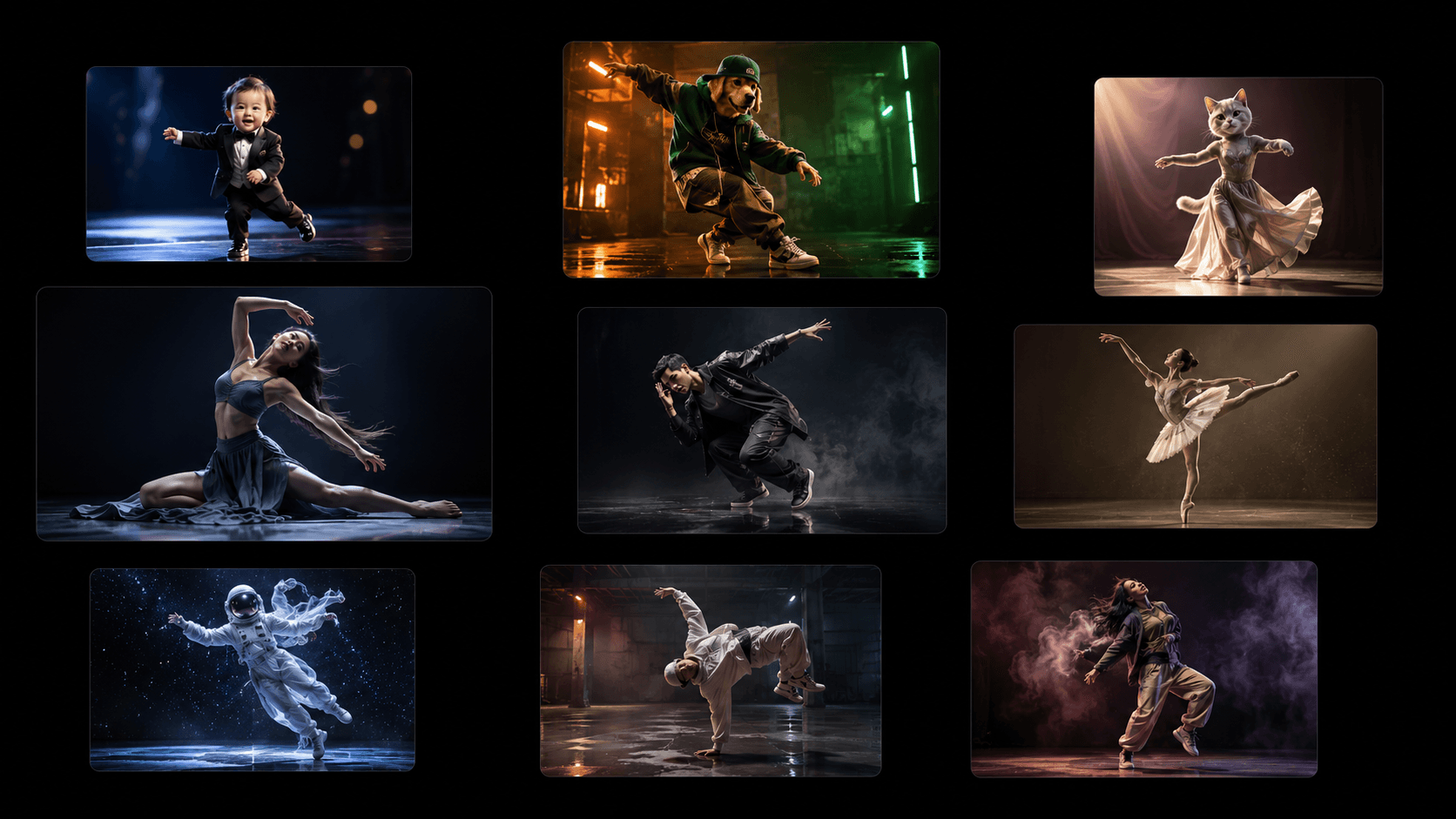
From image generation to video generation, and even character-driven dynamic content, the boundaries of creation are continuously being broken. Within this trend, a lighter and more entertaining format is rapidly gaining popularity — AI Dance. Now Seedance 2.5 AI Community has already launched the new feature.
Without filming or editing, users can simply upload an image and instantly generate smooth, natural dance videos that truly Make Every Image Dance.
Its biggest appeal is simple:
Turn any static image into something that truly “comes alive.”
What is AI Dance?
Imagine taking an ordinary photo—without filming or editing—and instantly transforming it into a smooth, natural dance video.
That is exactly the experience AI Dance delivers.
Through image-to-video generation and motion transfer technology, it allows people, pets, and even virtual characters to perform complete dance movements.
In simple terms:
You provide the character, AI performs the show.
Now, inside Seedance 2.5 AI Community, the entire experience has become even smoother, easier, and more fun.
Four Dance Styles That Unlock More Creativity
Different content styles call for different expressions. AI Dance offers four intuitive and fun creative modes.
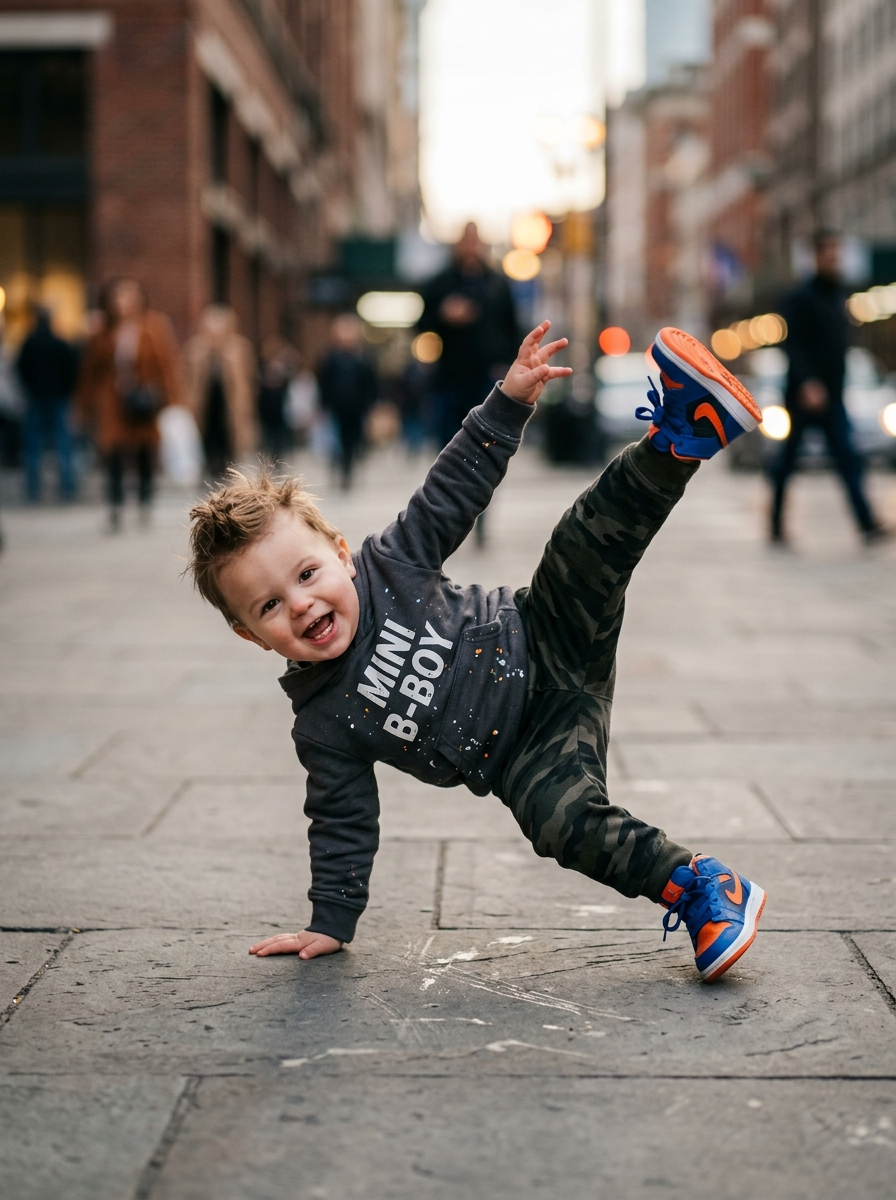
AI Baby Dance
Turn baby photos into adorable dancing characters.
It’s easy, cute, and highly shareable. For many users, this is their first introduction to AI video creation.
AI Animal Dance
Making pets “dance” is often more entertaining than expected.
Once cats and dogs are given rhythm and motion, the result can become content people can’t stop watching.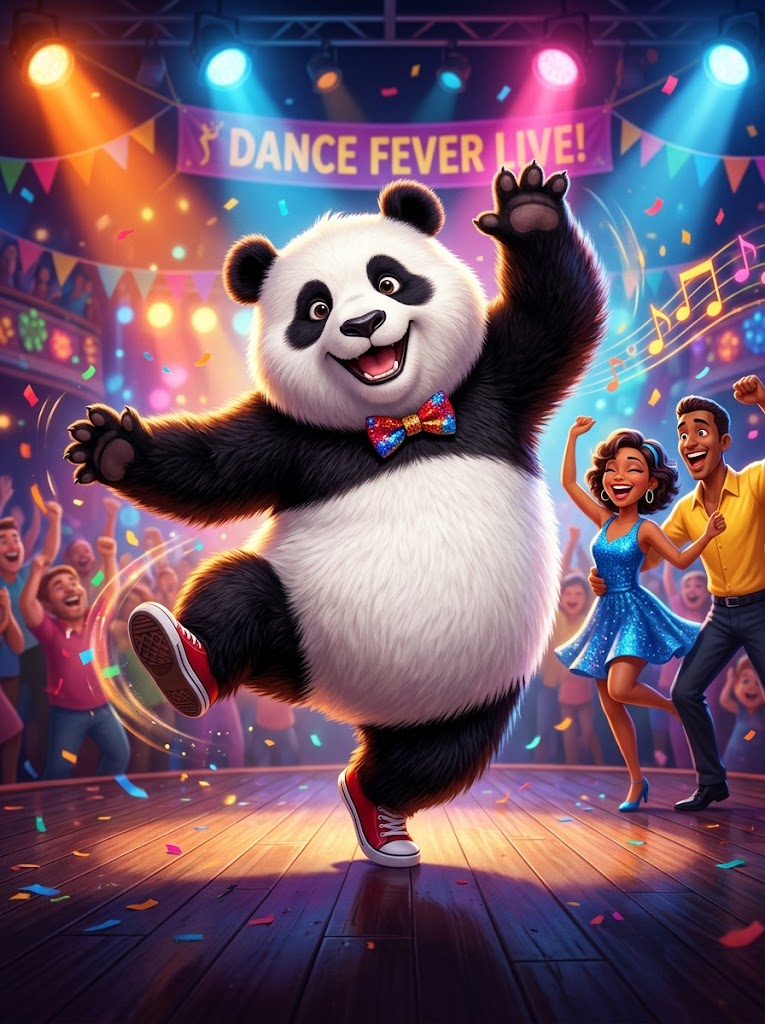
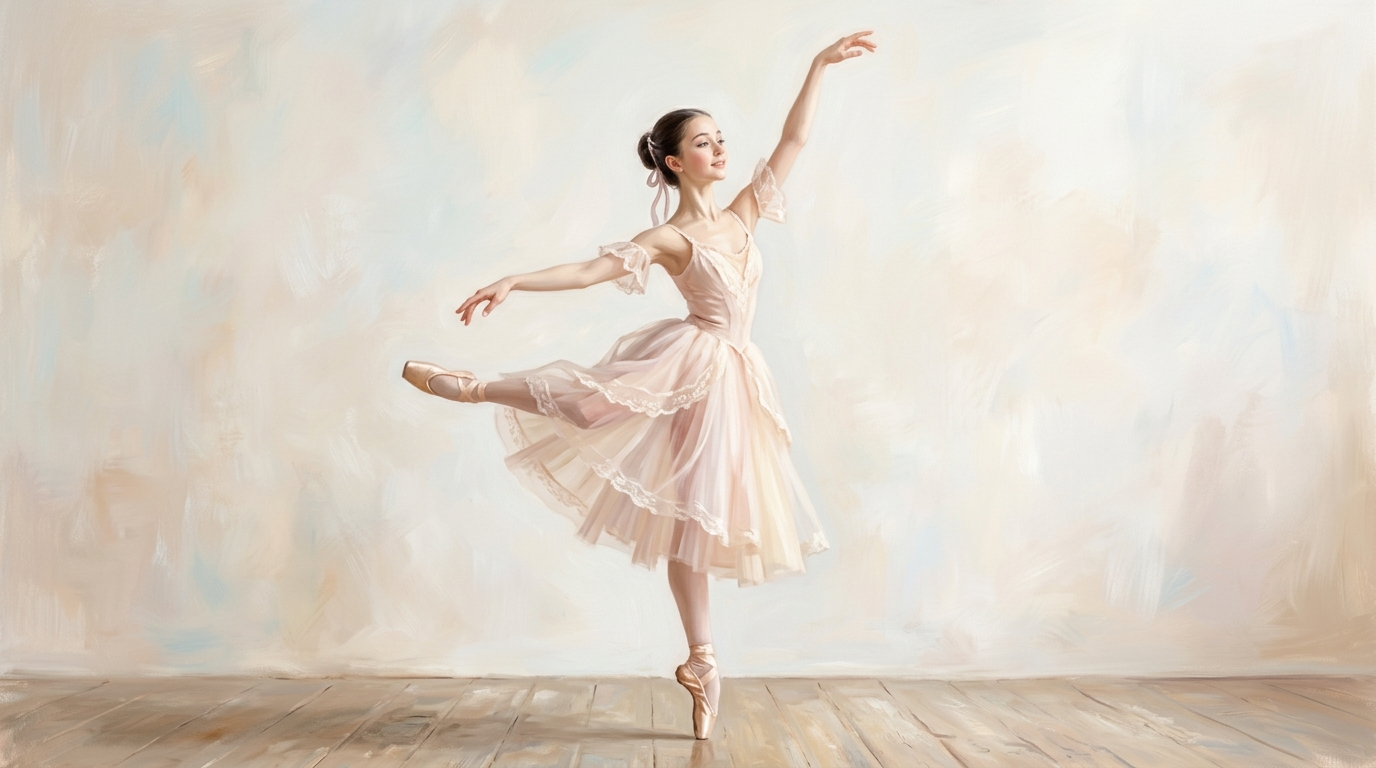
AI Woman Dance
A more stylized form of expression.
Whether it’s fashion, street style, or virtual character content, this mode offers flexible and visually appealing presentation options.
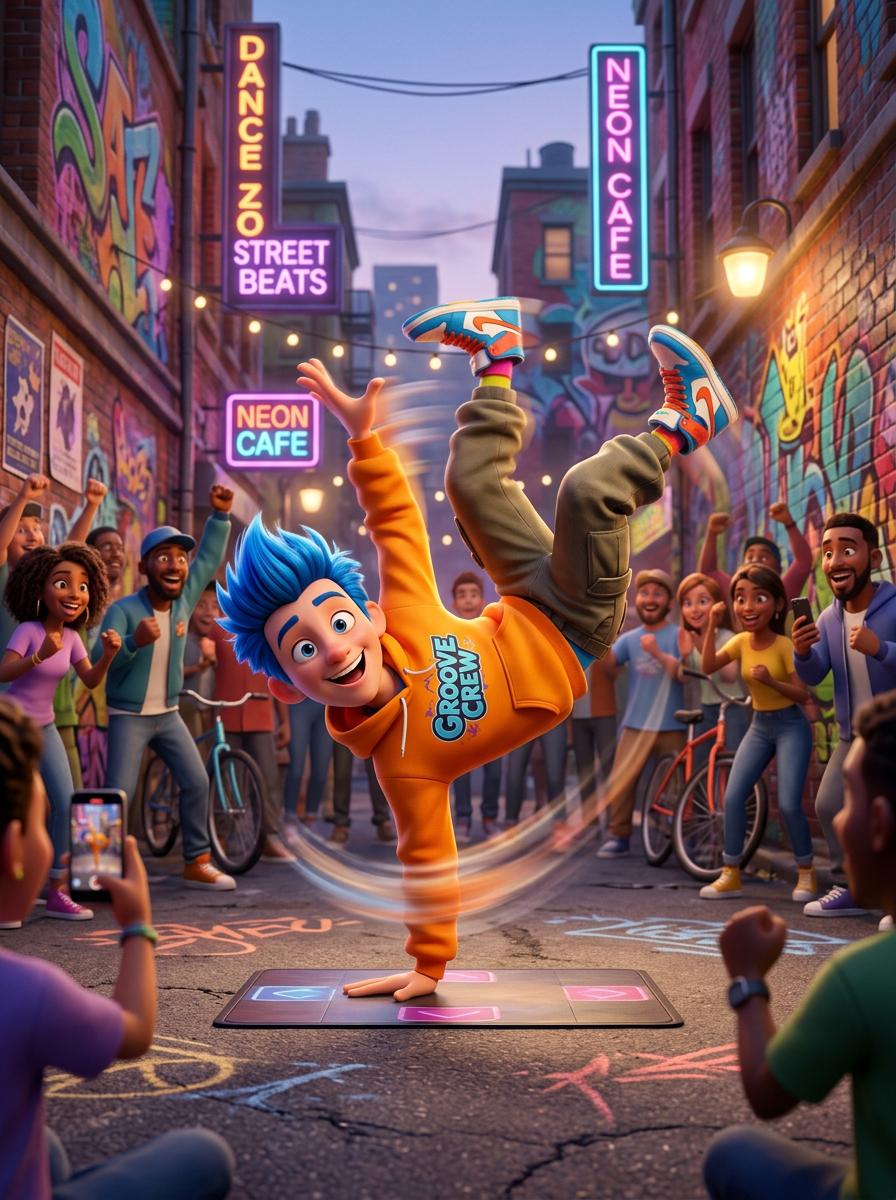
AI Man Dance
Stronger rhythm and more direct expression.
Ideal for entertainment content, showcases, or brand storytelling scenarios.
Not Just “Dancing” — A Complete Creative Experience
What makes AI Dance special is not just the ability to animate images—it is the completeness of the entire creative workflow.
You no longer need to switch between multiple tools or worry about sourcing materials.
Inside Seedance 2.5 AI Community, if you don’t already have an image, that’s not a problem.
You can directly use Text-to-Image to create a character
Or use AI Image Editing to refine an existing image (change outfits, backgrounds, unify style)
Then seamlessly move into AI Dance to generate a video
The entire process is continuous and requires no technical learning.
From “no material” to “finished video” in just a few steps.
How It Works Is Simpler Than You Think
Rather than a “tool process,” this feels more like a creative journey:
You start with an idea, gradually turn it into an image, and finally transform it into dynamic content.
No complex operations. No professional background required.
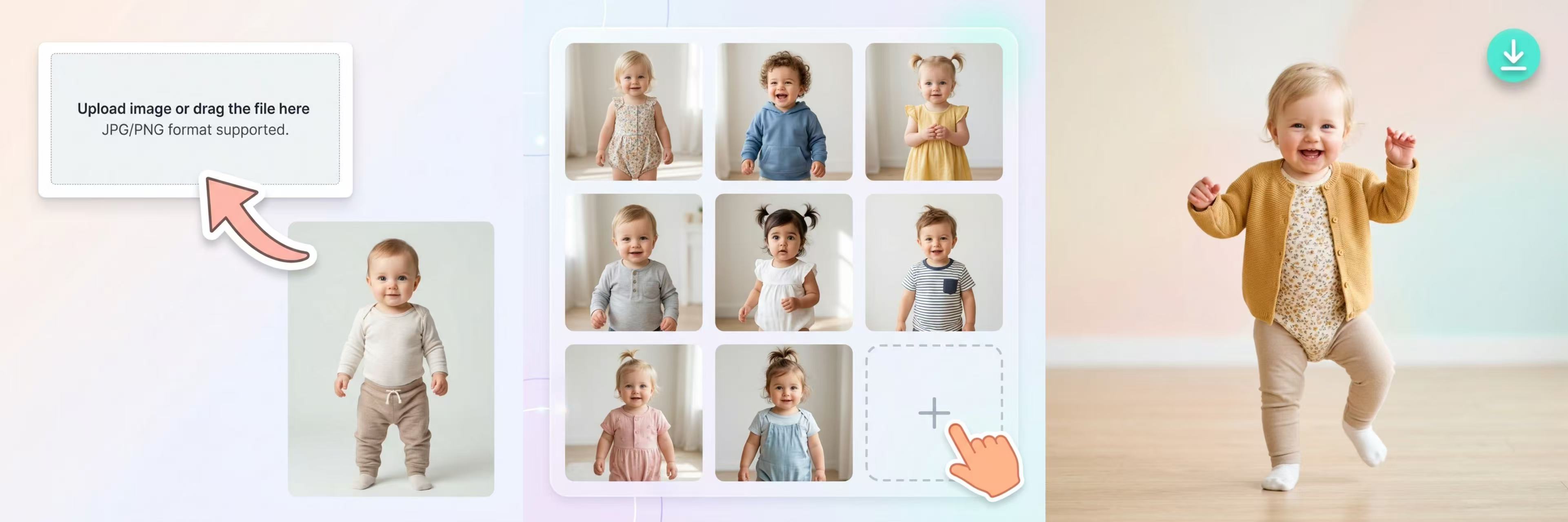
Create Your First AI Dance Video in 3 Simple Steps
Generate or upload an image
Choose your dance style
Generate your AI dance video with one click
 Key Advantages of the Experience
No existing image needed (use Text-to-Image)
Imperfect images can be improved (AI editing)
No editing skills required (automatic video generation)
The experience is more like:
Give your idea to AI, and watch it bring it to life.
What Kind of Images Produce Better Results?
Not sure if your image is suitable?
Generate standard full-body images with Text-to-Image or Improve existing images with AI Image Editor.
If you want smoother and more natural motion in the final video, image selection matters a bit.
Recommended images
Full-body composition: Helps generate complete movements
Front or near-front view: Better recognition of structure and expression
Clear, natural posture: Avoid occlusion or distortion
Clean lighting and high resolution
Less ideal cases
Heavy occlusion (e.g., sunglasses, shadows)
Extreme angles (overhead or low-angle shots)
Low resolution images
Multiple overlapping subjects or unclear focus
A simple rule:
The clearer and simpler the image, the more stable and natural the result.
Why Is This Becoming So Popular?
On one hand, it is extremely simple.
On the other hand, it is highly expressive.
In the short-video era, content that combines “low production effort + strong expression” tends to spread quickly.
AI Dance brings these two elements together perfectly.
AI Dance Frequently Asked Questions
Can I use any photo?
Most clear photos of people, babies, or pets are supported. For best results, use front-facing images without obstructions.
Do I need editing skills?
No. Everything is fully automated by AI.
Can I download my video?
Yes, you can download or share your generated video instantly.
Can I choose different dance styles?
Yes, you can select from a variety of dance styles, including funny, hip-hop, Ballet and more.
What if I’m not satisfied with the result?
You can try again with a different photo or choose another dance style to get a better result.
What formats are supported?
Standard portrait images (JPG, PNG) work best.
Try It Now and Make Your Images Dance
You don’t need to spend hours preparing, and you don’t have to wait for the “perfect moment.”
A lot of the most interesting content actually starts with a simple spontaneous idea.
Upload a single image and see what kind of rhythm it can come to life with.Welcome to Seedance 2.5 AI Community and experience the brand-new AI Dance feature today.The next video that gets shared, remembered, and replayed might start right here.