GPT Image 2.5: Faster AI Image Generation, Smarter Editing & More Control
AI image generation is moving beyond the simple prompt-to-image workflow. For real creative work, generating an image is only the beginning. Creators also need to preserve important details, make targeted changes, and refine visual ideas without constantly starting over.
GPT Image 2.5 is OpenAI’s latest generation of image generation and editing models, designed to make this process faster and more controllable. It introduces improvements in generation speed, reference-image preservation, precise editing, and multi-turn refinement.
For creators, designers, marketers, and visual storytellers, these changes make AI image generation more practical for developing visuals rather than simply producing one-off images.
What Is GPT Image 2.5?
GPT Image 2.5 is a new generation of OpenAI image models that supports both text and image inputs.
You can describe a new image with text, provide an existing image as a reference, or combine text and image inputs to create and transform visual content. This makes the model useful for both AI image generation and AI image editing.
The main focus of GPT Image 2.5 is greater control throughout the creative process. Instead of treating every generation as a separate result, creators can use an image as a starting point and progressively refine it through additional instructions.
What’s New in GPT Image 2.5?
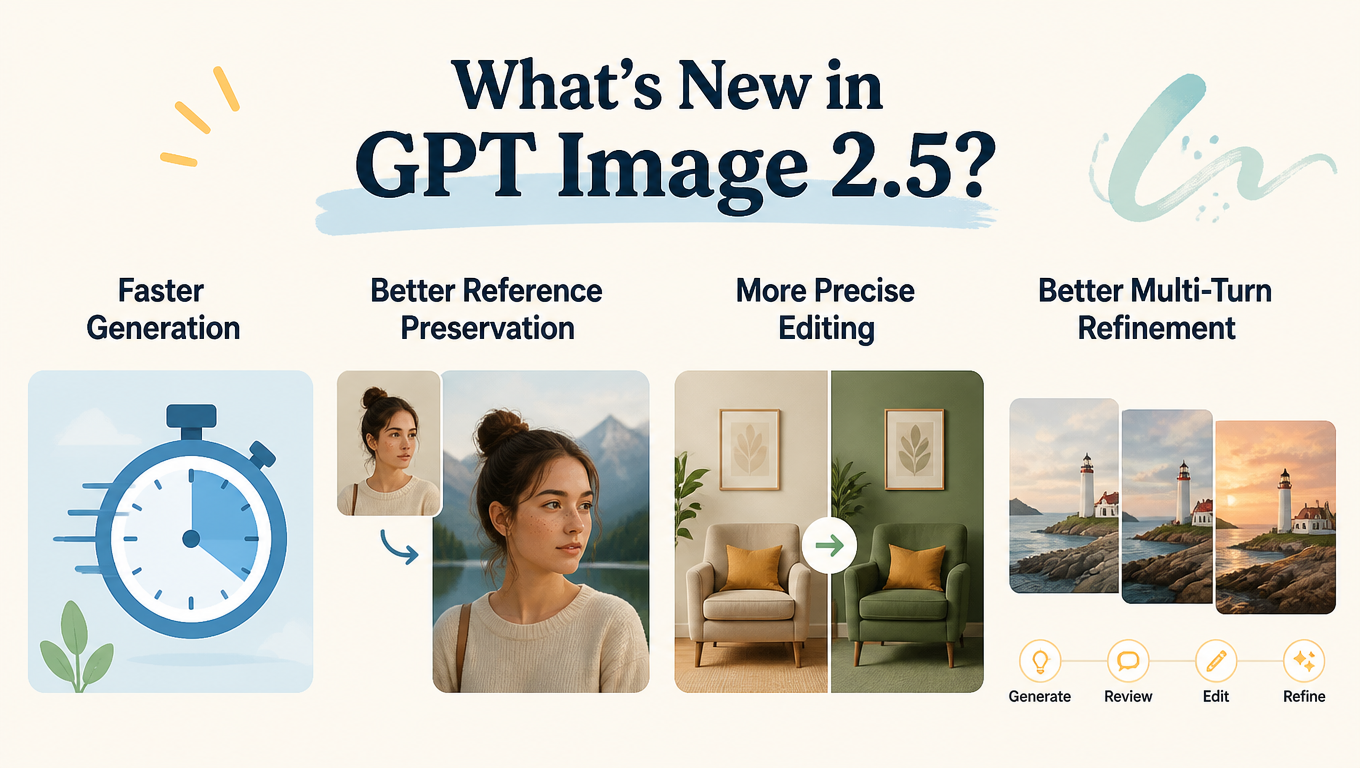
GPT Image 2.5 focuses on making image generation faster, more precise, and easier to refine. The improvements are especially noticeable when creators need to generate multiple versions, work from reference images, or make targeted changes without rebuilding an entire composition.
Faster Generation
GPT Image 2.5 can reduce image-generation latency by up to 50% compared with Images 2.0.
For creative workflows, faster generation means less waiting between iterations. Creators can explore more visual directions, compare variations, and move from an initial concept to a refined result more efficiently.
This is particularly valuable for creator content, social media visuals, product concepts, rapid prototyping, and other workflows that require frequent image generation.
Better Reference Preservation
GPT Image 2.5 improves its ability to preserve subjects and important visual details from reference images.
This makes reference-based generation more practical when identity, appearance, or product details need to remain consistent while the surrounding visual direction changes. A character, person, or product can serve as the foundation while creators explore new environments, compositions, or creative treatments.
More Precise Editing
GPT Image 2.5 is designed to follow more specific editing instructions while retaining more of the existing image.
Instead of regenerating an entire composition, creators can focus on the elements they want to change and clearly define what should remain unchanged. This supports targeted edits such as changing a background, modifying an object, adjusting clothing, or refining a visual treatment.
The result is a more controlled editing process, especially when the original composition is already close to the desired result.
Better Multi-Turn Refinement
Image creation often takes several rounds rather than a single generation.
GPT Image 2.5 improves consistency across successive editing instructions, making it easier to build on an existing image instead of starting over each time.
A typical workflow can become:
Generate → Review → Edit → Refine
This makes GPT Image 2.5 better suited to iterative creative work, where each adjustment contributes to the final visual rather than replacing it entirely.
GPT Image 2.5 Models: Flare vs. Sunburst
GPT Image 2.5 is available through two API models, each designed for a different balance of speed, quality, and editing control.
Model | Best For | Main Focus |
GPT-Image-2.5 Flare | Everyday and high-volume image generation | Speed, quality, and efficient iteration |
GPT-Image-2.5 Sunburst | Premium generation and editing workflows | Precision and tighter control across edits |
GPT-Image-2.5 Flare is the default choice for most applications. It brings the quality, editing, and speed improvements of GPT Image 2.5 to the API, delivering higher-quality images than GPT-Image-2 at 50% lower latency. It is well suited to creator and social content, product experiences, visual search, rapid image prototyping, and high-volume generation.
GPT-Image-2.5 Sunburst is built for premium visual workflows where tighter control across edits matters most. It is designed for demanding creative and editing tasks, including production-ready campaign creative and polished product imagery.
The distinction is straightforward:
Flare for fast, high-quality everyday generation. Sunburst for premium workflows that require greater editing control.
Both models are available through the OpenAI API, allowing developers to integrate GPT Image 2.5 generation and editing into products, creative tools, and automated workflows.
GPT Image 2.5 vs. GPT Image 2
GPT Image 2.5 builds on the same core image-generation and editing workflow while placing greater emphasis on speed, reference preservation, and iterative editing.
Capability | GPT Image 2 | GPT Image 2.5 |
Text-to-image generation | Yes | Yes |
Image-based generation | Yes | Yes |
Image editing | Yes | Improved |
Reference preservation | Strong | Improved |
Targeted editing | Yes | More precise |
Multi-turn refinement | — | Improved |
Generation speed | — | Up to 50% lower latency vs. Images 2.0 |
The practical difference is most visible when an image needs to be created, changed, and refined repeatedly rather than generated once and finished.
GPT Image 2.5 Use Cases
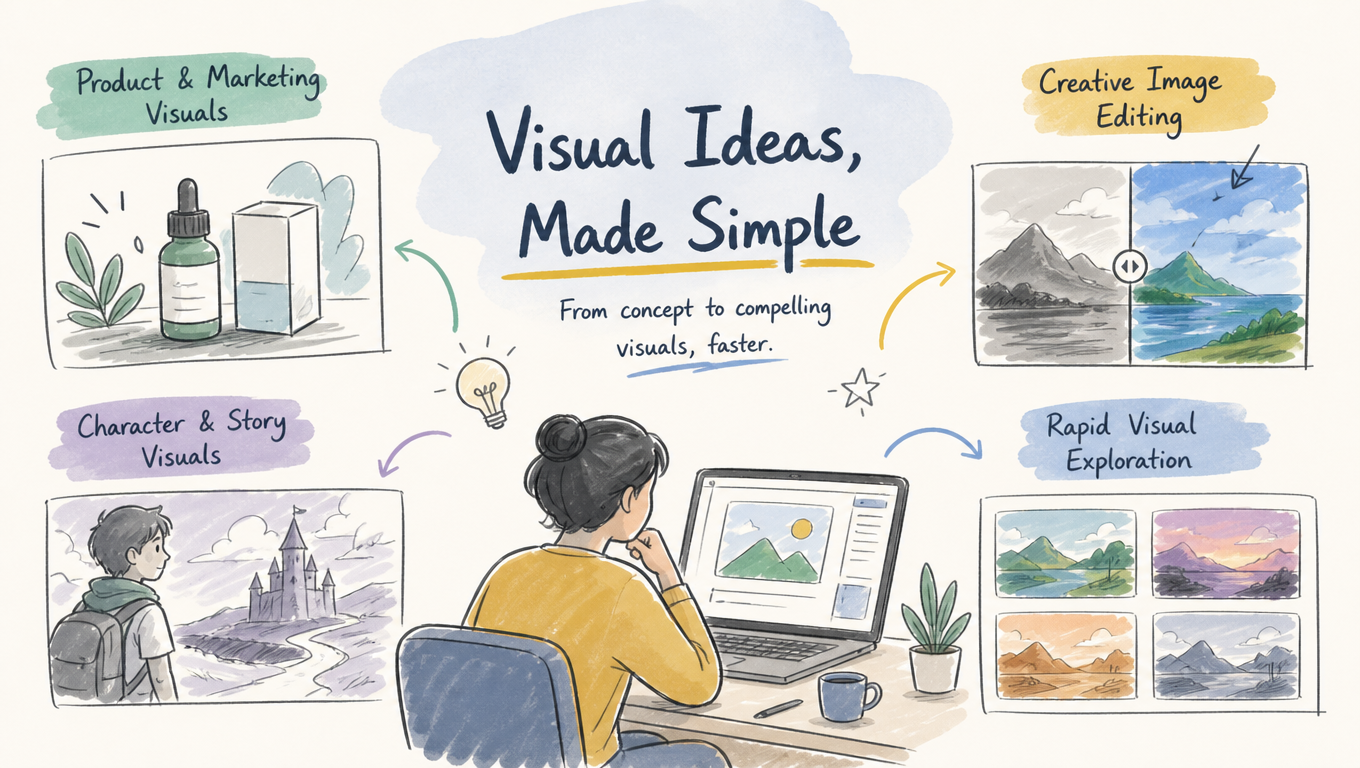
GPT Image 2.5 can support different stages of visual creation, from early concept exploration to focused image editing.
Product and Marketing Visuals
Start with a product reference and explore different environments, compositions, or campaign directions.
This can be useful for product pages, promotional graphics, advertising concepts, and social content.
Character and Story Visuals
Reference-based generation can help develop characters across different scenes and visual directions.
Creators can explore new environments, outfits, compositions, and story moments while keeping the central character recognizable.
This makes the workflow useful for visual storytelling, short-form content, and character development.
Creative Image Editing
Existing photographs and illustrations can serve as starting points for new visual concepts.
Instead of rebuilding an image, creators can focus on a specific transformation—such as changing the background, adjusting the style, or modifying an individual element—while preserving the parts that already work.
Rapid Visual Exploration
AI images can also function as creative prototypes.
Generate several directions, identify the strongest concept, and refine that version through targeted edits.
The overall process becomes:
Idea → Reference → Generate → Edit → Refine
This approach is often more efficient than trying to describe the perfect final image in a single prompt.
How to Write Better GPT Image 2.5 Prompts
Longer prompts are not necessarily better prompts. What matters is making the visual priorities and editing boundaries clear.
A useful structure is:
Subject → Composition → Environment → Style → Change → Preserve
For example:
A young woman wearing a minimalist cream-colored outfit, full-body editorial portrait, standing in a simple indoor setting. Soft natural daylight, realistic skin texture, subtle shadows, sophisticated fashion photography. Replace the indoor background with a quiet European street at golden hour while preserving the subject’s identity, facial features, clothing, pose, body proportions, and overall composition.
For editing, clearly separate what should change from what should remain unchanged.
Instead of:
Change the background and make the image more professional.
Try:
Replace the indoor background with a quiet European street at golden hour. Keep the subject, clothing, facial features, pose, body proportions, and overall composition unchanged.
This gives the model a clear editing boundary and makes the intended transformation more explicit.
When an image is already close to the desired result, use small, specific follow-up instructions instead of rewriting the entire prompt. This helps preserve successful elements while refining only what needs attention.
Final Thoughts
GPT Image 2.5 focuses on a simple but important shift in AI image creation: more control over the process, not just the first result.
Faster generation makes experimentation easier, while better reference preservation, more precise editing, and stronger multi-turn consistency make iterative refinement more practical.
For creators, the workflow is increasingly simple:
Create what you need. Preserve what works. Change what matters. Refine the result.