
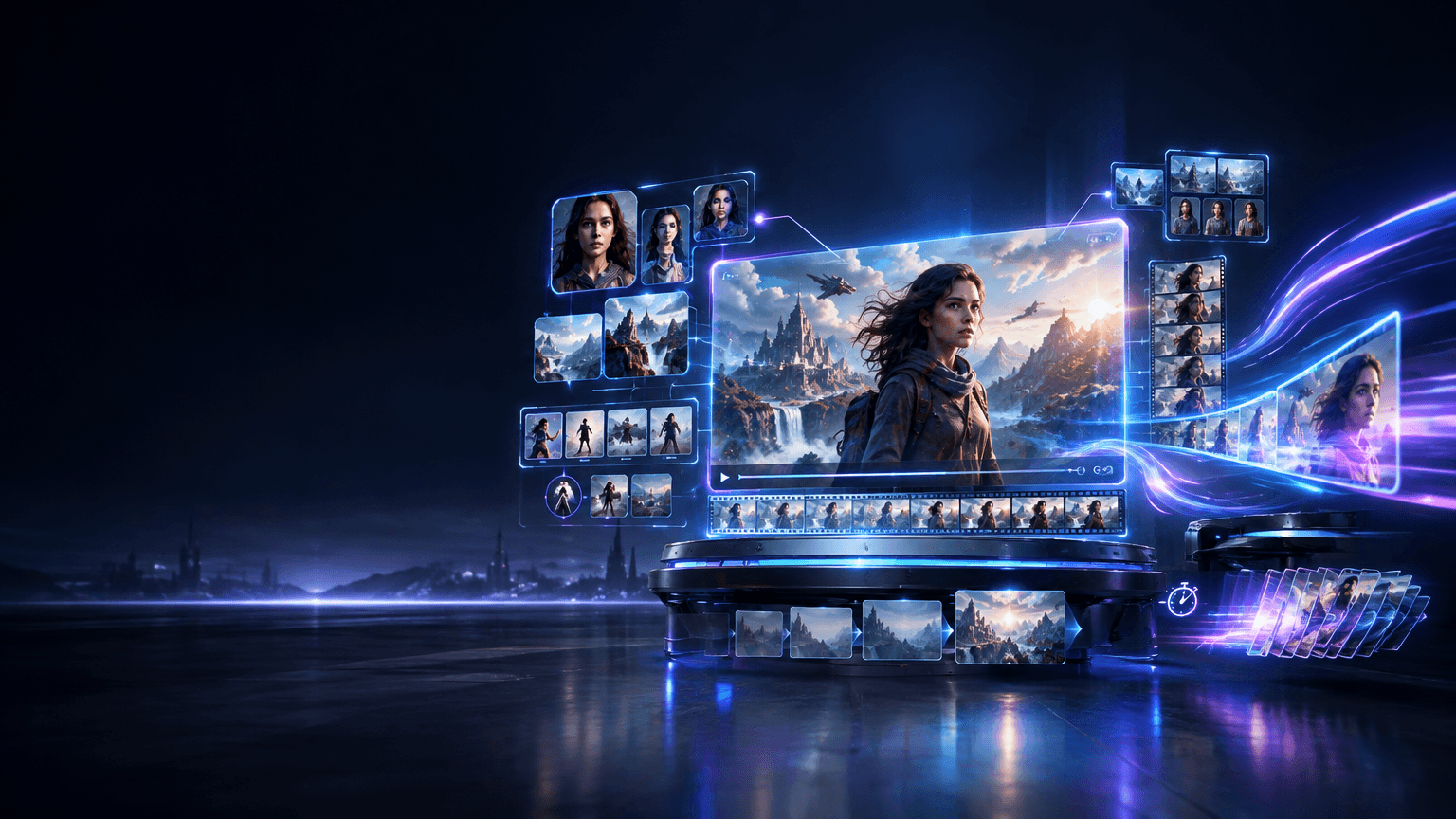
AI video generation is moving beyond short, isolated clips toward more controllable and consistent creative workflows.
The next generation of Kling AI is expected to continue this shift with Kling 4.0 and Kling 4.0 Flash, while Kling 3.0 provides an important baseline for understanding how the platform has evolved.
Kling 3.0 already introduced a broad multimodal workflow covering text, images, audio, and video, together with native audio generation, reference-based creation, and multi-shot storytelling.
Kling 4.0 is positioned around more advanced creative control, while Kling 4.0 Flash is associated with a faster generation workflow designed for rapid experimentation and iteration.
However, it is important to distinguish between confirmed product capabilities and early Kling 4.0 preview information. Some currently circulating Kling 4.0 specifications come from preview or unofficial sources rather than a final official specification. These details may change as the product develops.
What Is Kling 4.0?
Kling 4.0 is the next-generation direction of Kling AI's video generation technology.
Rather than focusing only on producing higher-quality individual clips, the Kling 4.0 direction centers on giving creators more control over characters, references, scenes, timing, shots, and longer creative workflows.
This represents an important change in how AI video generators can be used.
Earlier workflows often looked like:
Prompt → Generate a short video → Regenerate until the result works
A more advanced workflow looks closer to:
References → Characters → Scene → Keyframes → Camera → Motion → Audio → Story → Extended Video
This shift makes consistency and controllability just as important as visual quality.
Kling 3.0 had already moved in this direction. Its official release introduced multimodal text, image, audio, and video inputs and outputs, together with reference-based creation, in-video editing, multi-shot storytelling, and stronger subject consistency.
Kling 4.0 builds on this broader creative workflow concept.
Kling 4.0 vs. Kling 4.0 Flash vs. Kling 3.0: At a Glance
The three models can be understood through their primary creative roles:
Feature | Kling 4.0 | Kling 4.0 Flash | Kling 3.0 |
|---|---|---|---|
Generation focus | Advanced creative control | Faster generation and iteration | Multimodal video creation |
Primary workflow | Complex scenes and controlled production | Rapid concepts and short-form creation | General-purpose AI video |
Video duration | Preview information suggests up to 30s | Preview information suggests shorter generation | Up to 15s officially |
Reference workflow | Expanded reference-based creation | Speed-oriented reference workflows | Image and video references |
Consistency | Advanced subject and scene control | Fast iterative workflows | Strong subject consistency |
Audio | Expanded audio capabilities reported in preview information | Not fully documented | Native audio officially supported |
Multi-shot storytelling | Advanced creative workflow | More focused on speed | Supported officially |
Video extension | Reported in preview information | Not fully documented | Supported through Kling workflows |
Keyframe control | Multiple keyframes reported in preview information | Not fully documented | Storyboard and shot controls |
4K | Final specification not yet confirmed | Final specification not yet confirmed | 4K available in supported 3.0 workflows |
Kling 3.0 provides the clearest established baseline. Kuaishou officially introduced Kling 3.0 with multimodal text, image, audio, and video capabilities, native audio generation, reference-based creation, multi-shot storytelling, and video generation of up to 15 seconds.
For Kling 4.0, currently available information should be treated separately from confirmed final specifications.
Kling 4.0: Advanced AI Video Generation
The main idea behind Kling 4.0 is not simply generating a longer clip. It is about giving creators more control over the entire generation process.
A more advanced AI video model needs to understand relationships between:
Characters
Objects
Environments
Camera movement
Shot composition
Motion
Timing
Audio
Narrative structure
This becomes particularly important when a video contains several shots or when the same character needs to appear consistently in different environments.
For filmmakers, advertisers, content creators, and AI storytellers, this type of control can reduce the need to repeatedly regenerate a scene because of small inconsistencies.
The workflow becomes less about asking AI to produce one isolated clip and more about directing a sequence of visual events.
Kling 4.0 Flash: Faster AI Video Generation
Kling 4.0 Flash can be understood as a speed-oriented generation workflow rather than simply a smaller version of Kling 4.0.
The main value of a faster model is iteration.
For example, a creator may want to test:
Different camera angles
Several character poses
Multiple visual concepts
Different opening shots
Several short-form video ideas
Different prompt structures
Generating these concepts quickly can be more useful than spending the same amount of time producing a single highly controlled clip.
This makes a Flash-style model particularly relevant to:
Social media content
Creative brainstorming
Prompt testing
Storyboarding
Concept development
Short marketing clips
Rapid image-to-video experiments
The workflow distinction can therefore be summarized simply:
Kling 4.0: deeper control and more complex creative workflows.
Kling 4.0 Flash: faster generation and more efficient iteration.
Longer Video Generation and Video Extension
Video duration is one of the important areas in the evolution of AI video generation.
Kling 3.0 officially supports video generation of up to 15 seconds, allowing creators to build more complex sequences than many earlier short-video workflows.
Kling 4.0 preview information has pointed toward longer generation workflows, including reported generation durations of up to 30 seconds and video extension workflows that may reach longer durations.
These figures should currently be treated as preview information rather than final official specifications.
Longer generation matters because creators can spend more time describing an actual sequence instead of dividing every idea into multiple short clips.
For example:
Short workflow
Character enters the room → Generate clip.
Longer workflow
Character enters the room → Walks toward the desk → Notices an object → Picks it up → Turns toward the camera → Begins speaking.
The second workflow requires the model to maintain continuity over a much longer period.
Omni Reference and Consistency Control
Consistency remains one of the biggest challenges in AI video generation.
A character may look slightly different between shots. Clothing can change. Objects can disappear. Background details can shift. Facial characteristics can drift as the camera angle changes.
Reference-based generation is designed to reduce these problems.
Kling has already introduced reference-based workflows that allow creators to use multiple visual references to maintain the identity of subjects across generated content.
Kling 3.0 expanded this approach through reference videos and image references for maintaining characters, objects, and environments across frames.
The Kling 4.0 direction appears to push this reference-based workflow further through an expanded Omni Reference concept.
Instead of treating the prompt as the only source of information, creators can use references to define what the model should preserve.
This can be particularly useful for:
Recurring characters
Product videos
Branded content
Fashion videos
Character-driven stories
Consistent environments
Multi-scene narratives
The basic idea is:
The more important the identity of a subject is, the more valuable reference-based control becomes.
Voice, Audio, and Character References
Audio is another area where Kling has moved beyond traditional silent AI video generation.
Kling 3.0 introduced native audio generation across multiple languages, dialects, and accents. It can also support multi-character dialogue with control over language, delivery, and speaking order.
This means AI video generation is increasingly becoming an audiovisual workflow rather than a purely visual one.
For character-driven content, the combination of:
Character appearance
Character voice
Dialogue
Facial performance
Body movement
Environment
can make the generated character feel more consistent across scenes.
Kling 4.0 preview information has also pointed toward expanded voice-reference workflows, although exact final capabilities should be confirmed through official Kling documentation when available.
Keyframes, Shot Control, and Storytelling
AI video generation is becoming increasingly similar to a simplified filmmaking workflow.
Instead of describing only the final result, creators can increasingly define how the video should move from one visual state to another.
Keyframes can be useful for controlling:
Starting composition
Ending composition
Character position
Object movement
Scene transitions
Camera direction
Visual continuity
Early Kling 4.0 preview information has reported support for multiple keyframes. Exact limits should be treated as provisional until confirmed by official documentation.
Kling 3.0 already introduced more structured storytelling controls. Its multi-shot storyboard workflow allows creators to specify shot duration, shot size, perspective, narrative content, and camera movement.
The broader trend is clear:
AI video generation is moving from prompt-based clip generation toward shot-level creative direction.
From Kling 3.0 to Kling 4.0: What Has Changed?
Kling 3.0 established an important foundation for the next generation of Kling AI.
The model series introduced a unified multimodal workflow combining text, images, audio, and video. It also integrated text-to-video, image-to-video, reference-to-video, and in-video editing into a broader creative workflow.
The evolution can be understood in three stages.
Kling 3.0
Kling 3.0 focused on bringing multimodal generation, native audio, reference-based creation, and multi-shot storytelling into a more unified workflow.
Kling 4.0
Kling 4.0 represents the next-generation direction, with a stronger emphasis on extended generation, reference-driven control, consistency, keyframes, and complex creative workflows.
Kling 4.0 Flash
Kling 4.0 Flash adds a speed-oriented option for creators who need to generate and iterate through ideas quickly.
The important point is that the evolution is not simply about adding another model.
It is about moving from:
Generate a clip
to:
Direct a sequence
and eventually toward:
Build an AI-assisted production workflow.
What Makes the Kling 4.0 Series Different?
The most important shift is the growing separation between generation quality and generation control.
Modern AI video models are increasingly expected to do more than create visually attractive frames.
Creators also need to control:
Characters
Who appears in the scene and how consistently they look.
Objects
Which products, props, or visual elements remain consistent.
Scenes
How environments and backgrounds behave throughout a sequence.
Shots
How the camera moves and how individual shots are structured.
Time
How actions develop from one moment to the next.
Audio
How speech, voices, dialogue, and other audio elements interact with the visuals.
Workflow
How quickly creators can test, revise, extend, and finalize ideas.
This is where the distinction between Kling 4.0 and Kling 4.0 Flash becomes useful.
Kling 4.0 is oriented toward deeper control, while Kling 4.0 Flash is oriented toward faster iteration.
Kling 4.0 vs. Kling 4.0 Flash: Different Creative Workflows
Rather than reducing the difference to a simple quality ranking, it is more useful to consider the type of workflow each model is designed to support.
Workflow | Kling 4.0 | Kling 4.0 Flash |
|---|---|---|
Complex scenes | Strong fit | Useful for quick experiments |
Detailed creative control | Primary focus | Secondary focus |
Rapid prompt testing | Possible | Primary use case |
Short-form concepts | Suitable | Strong fit |
Story development | Strong fit | Useful for early-stage ideas |
Character consistency | Important | Important |
Iterative creation | Moderate | Strong |
Production-oriented workflow | Strong fit | Useful for rapid drafts |
The two models can therefore be complementary rather than direct replacements for one another.
A creator could use Flash to explore several ideas and then move the strongest concept into a more controlled Kling 4.0 workflow.
When Will Kling 4.0 and Kling 4.0 Flash Be Available?
Availability and specifications should be separated from preview information.
As new Kling models move through preview and rollout stages, specific generation limits, resolutions, reference capabilities, and API support can change.
For this reason, creators should verify the latest information through official Kling announcements and documentation before relying on specific limits or technical specifications.
This is especially important for Kling 4.0 because some details currently circulating online originate from preview or unofficial sources rather than a complete final public specification.
The Future of AI Video Generation
The development of Kling from earlier models to Kling 3.0 and the expected Kling 4.0 generation reflects a broader change across the AI video industry.
The goal is moving away from:
Text → Short Video
toward:
Idea → Characters → References → Shots → Motion → Audio → Story → Video
This change could make AI video tools increasingly useful for:
Film pre-production
Advertising
E-commerce
Social media
Animation
Game development
Character storytelling
Product visualization
Creative prototyping
The next step is not necessarily just generating better-looking videos.
It is giving creators more precise control over what happens, when it happens, and how consistently it happens.
Final Thoughts
Kling 4.0 represents the next stage in the evolution of AI video generation, with a stronger emphasis on creative control, references, consistency, longer workflows, and structured storytelling.
Kling 4.0 Flash approaches the same generation landscape from a different direction, focusing more on speed and rapid iteration.
Kling 3.0 remains an important reference point because it established many of the multimodal, audio, reference, and storytelling capabilities that define the current Kling ecosystem.
The three can therefore be understood through their broader workflow direction:
Kling 3.0 → Multimodal storytelling
Kling 4.0 → Advanced creative control
Kling 4.0 Flash → Faster creative iteration
As Kling 4.0 moves from preview information toward confirmed product specifications, its most important impact may be less about a single benchmark number and more about how much control creators can gain over the complete video-generation process.
Frequently Asked Questions
What is Kling 4.0?
Kling 4.0 is the next-generation direction of Kling AI video generation, with a focus on more advanced creative control, reference-based generation, consistency, keyframes, and longer video workflows. Some currently reported specifications remain preview information and may change.
What is Kling 4.0 Flash?
Kling 4.0 Flash is a speed-oriented version of the Kling 4.0 generation workflow. It is designed around faster generation and rapid creative iteration, making it useful for concept testing, short-form content, and prompt experimentation.
What is the difference between Kling 4.0 and Kling 4.0 Flash?
The primary difference is workflow emphasis. Kling 4.0 focuses on more advanced control and complex creative workflows, while Kling 4.0 Flash focuses on faster generation and iteration.
How is Kling 4.0 different from Kling 3.0?
Kling 3.0 introduced multimodal text, image, audio, and video workflows, native audio, reference-based creation, and multi-shot storytelling. Kling 4.0 is expected to extend this direction with more advanced reference, consistency, keyframe, and longer-generation workflows.
How long can Kling 4.0 generate videos?
Early Kling 4.0 preview information has reported generation durations of approximately 3–30 seconds, with longer extension workflows also reported. These figures should not yet be treated as final official specifications.
How long can Kling 3.0 generate videos?
Kling 3.0 officially supports video generation of up to 15 seconds.
What is Omni Reference in Kling 4.0?
Omni Reference refers to a reference-driven creation workflow designed to help creators maintain visual identity and consistency across generated scenes. Early Kling 4.0 preview information suggests expanded reference capabilities, although final specifications should be confirmed through official Kling documentation.
Does Kling 3.0 support reference images?
Yes. Kling 3.0 supports reference videos and image references for maintaining the consistency of characters, objects, and scenes.
Does Kling 3.0 support audio?
Yes. Kling 3.0 introduced native audio generation across multiple languages, dialects, and accents, including multi-character dialogue workflows.
Is Kling 4.0 available now?
Availability and feature support can change during the rollout of a new model. Some Kling 4.0 information remains based on preview or early reports rather than a complete final public specification. Check the latest official Kling announcements and documentation before relying on specific model limits or capabilities.
How should Kling 4.0 and Kling 4.0 Flash be used?
Kling 4.0 is oriented toward more controlled and complex creative workflows, while Kling 4.0 Flash is oriented toward faster generation and iteration. A creator can use Flash for rapid concept development and Kling 4.0 for more detailed production workflows.